CPR West Covina Logo

89 pages migrated on our own site

Websites for CPR Training Companies

We build CPR training websites that Google can read and students can book from. A page per course, booking on your own domain, and a redirect map so a rebuild does not cost you rankings.

  • 0189-page migration off a JavaScript-shell site
  • 02Booking renders on-page, so ad tracking survives
  • 03Full redirect mapping before launch
4.9 from 300+ Google and Yelp reviews on our own CPR businessWe migrated our own 89-page site first

Assembly

How we build a CPR training website

Six steps. Step 5 is where migrations succeed or quietly destroy a year of rankings.

6 steps

  1. Map what you already have

    Every URL, what it ranks for, and what it earns.

  2. Plan the page per course

    One page per course and format, not a course list.

  3. Build it server-rendered

    The words ship in the HTML, so Google reads them.

  4. Put booking on the page

    The widget renders natively, not framed from another domain.

  5. Map every redirect

    Old URL to new URL, one by one, before launch.

  6. Launch and watch indexing

    We check crawl, rankings, and bookings for 30 days.

From our own account

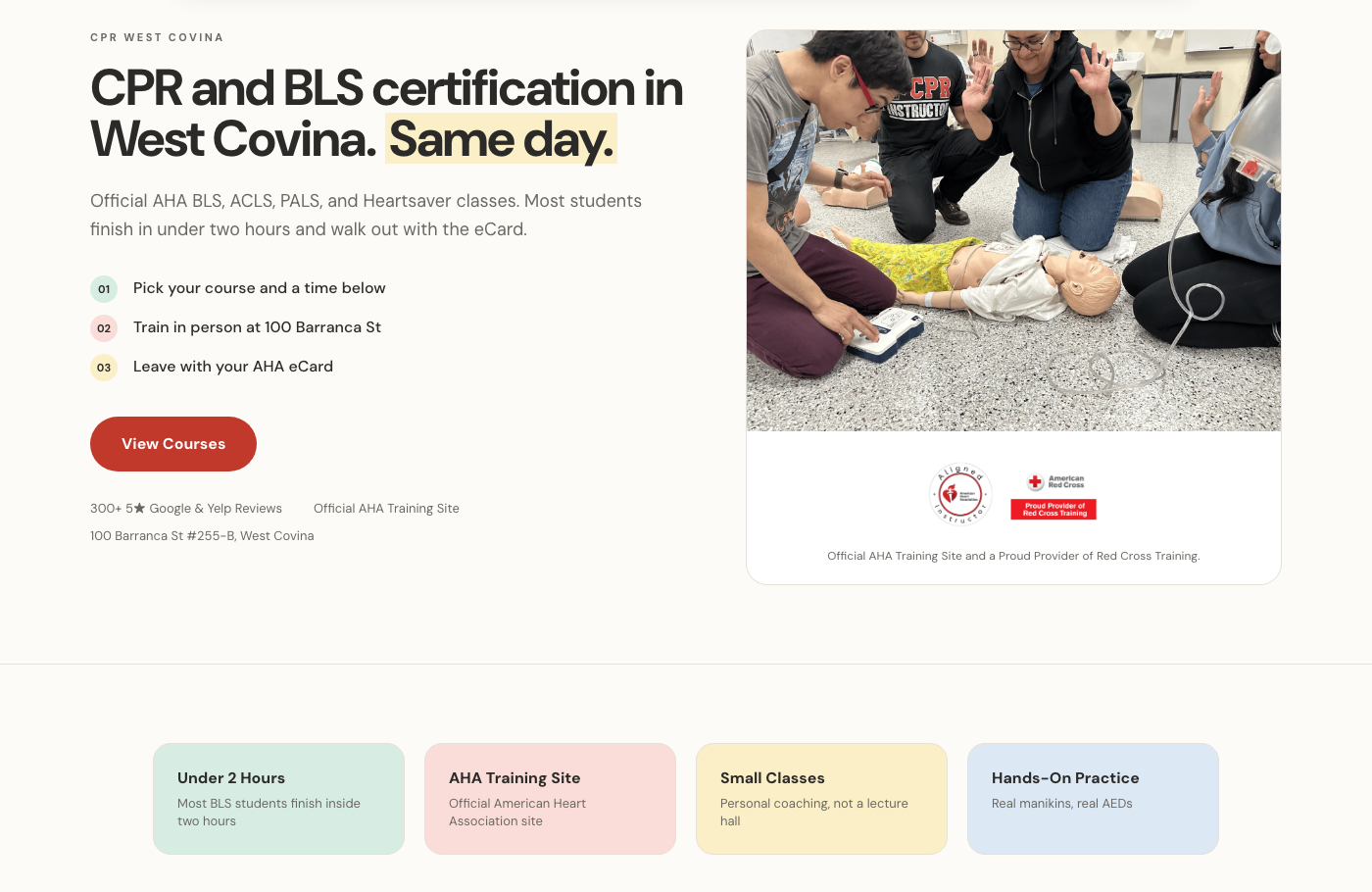
Course pages from our own CPR website
Our own course pages, built to book and not just to look good.

Contents

What you get

In the box

  • 01Server-rendered pages Google can read without running scripts
  • 02A page per course, per format, and per city you serve
  • 03Booking widget rendered on-page so ad tracking survives
  • 04Full redirect map from every old URL
  • 05Course, FAQ, and review schema markup
  • 06Mobile-first layouts built around the booking action
  • 07Titles, metas, and internal links written page by page
  • 08Post-launch indexing and booking watch for 30 days

Price

What it costs

Starting at

$2,500 to build

Founder pricingFirst 10 clients · Prices rise Jan 2027

What’s included

  • 01Up to 10 pages
  • 02Server rendered
  • 03Booking built in

Anything beyond the starting build gets a real quote after a 15-minute call.

Prices go up in January 2027. Book before then and your rate is locked for as long as you stay a client.

Common assembly error

A brochure where a booking should be

Without it

The common CPR site is a brochure with a phone number. It lists courses, shows a classroom photo, and asks the visitor to call. Meanwhile the student found you at 9pm, needs a card by Thursday, and wants to know if the seat is available before they commit to anything. The site cannot answer that, so they go back to the results page.

The second problem is invisible from the browser. Plenty of these sites are JavaScript shells: the HTML that gets served is an empty container, and the text appears only after scripts run. It looks perfect to the owner and nearly blank to a crawler. Our own site had this. We moved 89 pages to server-rendered HTML with a full redirect map, and that migration was the unglamorous work that made everything downstream possible.

The third is that booking lives somewhere else. The site links out to a scheduler on another domain, so the visitor leaves your brand mid-purchase and the click ID from the ad usually does not follow. You pay for the click, the sale happens, and your ad account never learns which keyword caused it.

What should a CPR training website include?

A page for every course you sell, and a separate page when a course sells in a different format, because blended learning and a full classroom class are different products with different buyers. On each page: price, next available dates, class length, what card the student walks out with, how fast they get it, and the booking action visible without scrolling. Then city pages for the places you actually teach, an instructor or credential page that proves you are a real training site, and reviews on the page rather than only on a profile. Everything else is decoration. If a page does not answer is this the right card, when can I take it, and can I book it now, it is not doing work.

How do I move a CPR training website without losing rankings?

Inventory first, redirects second, launch third. Export every existing URL along with its impressions and its bookings, so you know which pages are load-bearing before you touch anything. Map each old URL to exactly one new URL, and never point a batch of dead pages at the homepage, which tells Google they were worthless. Keep the titles and the actual body copy on the pages that already rank, even if the design changes around them. Launch, submit the new sitemap, then watch coverage and rankings daily for a month. We did this across 89 pages on our own site. Nothing about it is clever, and skipping any step is how sites lose traffic in a migration.

Should my CPR website take bookings, or just collect calls?

Take bookings, and keep the phone. The person searching at 9pm cannot call you, and by morning they have booked elsewhere. The manager buying seats for six staff wants to do it without a conversation. But some buyers genuinely want to talk, especially for group and corporate training, so the number stays visible. What matters is that the booking happens on your domain. On-page booking converts better because the visitor never crosses to an unfamiliar brand, and it keeps the click ID present at the moment of sale so paid traffic can actually be attributed.

How fast does a CPR training website need to be?

Fast enough that the page is readable before the visitor decides, which on a phone on cell data means the first screen should be there in a couple of seconds. The usual culprits are a heavyweight page builder, a slider nobody interacts with, uncompressed classroom photos, and a stack of third-party scripts. Server-rendered HTML fixes most of this by default, since the text arrives with the document instead of after a bundle downloads and executes. Speed is worth chasing for conversion more than for rankings. The visitor who bounces at second four was going to book, and nothing else on the page ever got a chance.

Should I build on WordPress, a page builder, or something custom?

The platform matters less than two properties: the text has to ship in the HTML, and you have to be able to add a page without hiring someone. WordPress can do both, and often does neither the way it is usually configured. A no-code builder is fine for a five-page site and painful at forty pages with a course structure. We build server-rendered sites because that is what our own site needed after the migration, but the honest test is not the logo on the stack. View source on your current homepage. If you cannot find your own course names in there, the platform question has already answered itself.

Troubleshooting

CPR website questions, answered

Do I lose my rankings when the site is rebuilt?
Not if the migration is done properly. Every old URL gets mapped to a specific new URL, the pages that rank keep their titles and body copy, and we watch coverage and positions daily after launch. We migrated 89 pages on our own site this way.
Can I keep my current domain and hosting?
The domain stays yours in every case. Hosting depends on what you are on now. If your current host cannot serve server-rendered pages sensibly, we will tell you on the call rather than after you have paid for a build.
Will I be able to update the site myself?
Yes, for the things owners actually change: prices, class dates, course text, photos. Structural changes and new page types come back to us. We would rather you edit a price at 10pm than email us about it.
How long does a CPR website build take?
It depends on page count and how much copy has to be written from scratch. A migration of an existing site with real content is faster than a build from nothing. We give you a page count and a date on the call, not a range in a brochure.
Does the site include online booking?
It can, rendered on your own domain rather than framed from a scheduler. That is both a conversion decision and a tracking decision. If you already use a booking system you like, we integrate it on-page where the system allows.
Do you write the content or do I?
We write it and you check it. Course details, pricing, schedules, and credential claims have to be verified by you, because those are the only facts we cannot confirm from the outside. Nothing publishes without your review.
What if I only need a few landing pages, not a whole site?
That is a common and reasonable place to start, especially if you are running ads onto a homepage right now. A handful of course pages built for booking often earns more than a full rebuild would in the same month.
What does a CPR training website cost?
A website build starts at $2,500, which covers up to 10 pages, server-rendered, with booking built in. Page count, whether it is a migration or a new build, and how much copy we write are what move the number above that. You get a real quote after a 15-minute call.
Need a hand

Get your current site looked at

Book a 15-minute call. We view source on your site with you and tell you whether it needs a rebuild, a migration, or just four new course pages.

We work with CPR and certification training companies nationwide